
Employees
Signing in to Kief
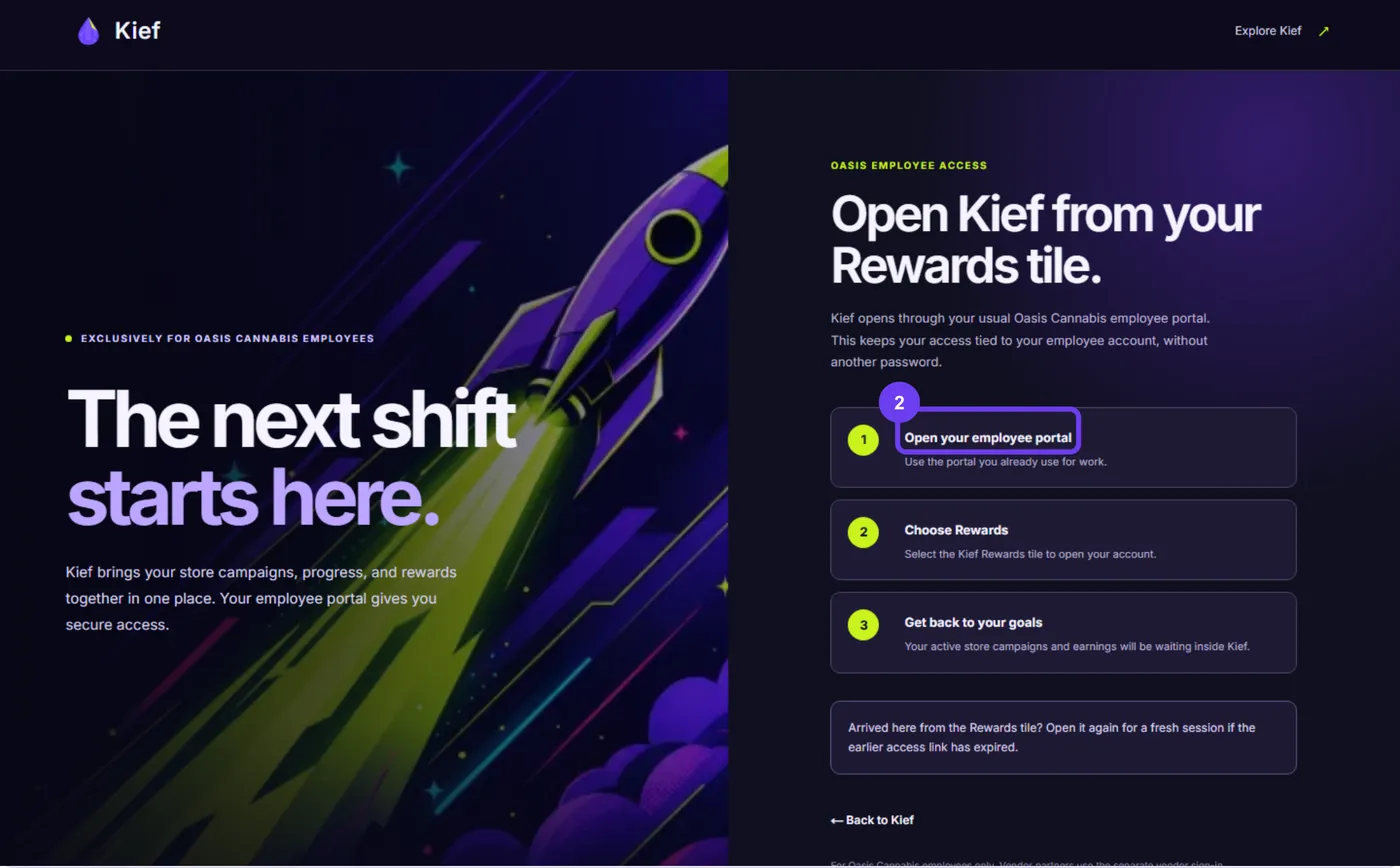
Open Kief from your employee portal's Rewards tile — there's no separate Kief password.
Last updated 2026-09-25
Kief opens through the same Oasis Cannabis employee portal (occpeople.com) you already use for work. This keeps your access tied to your employee account, without another password to remember.
Steps
- Sign in to your employee portal at occpeople.com as usual.
- Find the Kief tile on your dashboard, or the My Kief entry under My Workspace.
- Select it to open Kief. You'll land on your home screen, ready to check contests and earnings.
Note: The link that opens Kief is single-use and tied to you. Don't share it with a coworker — if you need in again, just open the tile again from the portal.
If it doesn't work
- If Kief says it couldn't find your profile yet, your employee details may still be syncing between the HRIS and Kief. Try again shortly, or ask your manager or HR.
- If your earlier access link expired, go back to the portal and open the Rewards tile again for a fresh session.
- A signed-in session lasts a while, but if you're signed out unexpectedly, just reopen the tile — you don't need to remember anything extra.
Kief employee access is exclusively for Oasis Cannabis Co. employees. Vendor partners use a separate vendor sign-in and never see your account.
For anything else, see getting help.