
Employees
Choosing store credit
Switch a contest, or your default, to store credit any time before your first earning on it pays out.
Last updated 2026-09-25
You're never required to take store credit — you can always choose payroll instead. But if you'd rather have your Kief earnings land as store credit, here's how.
Setting your default
- Open Earnings.
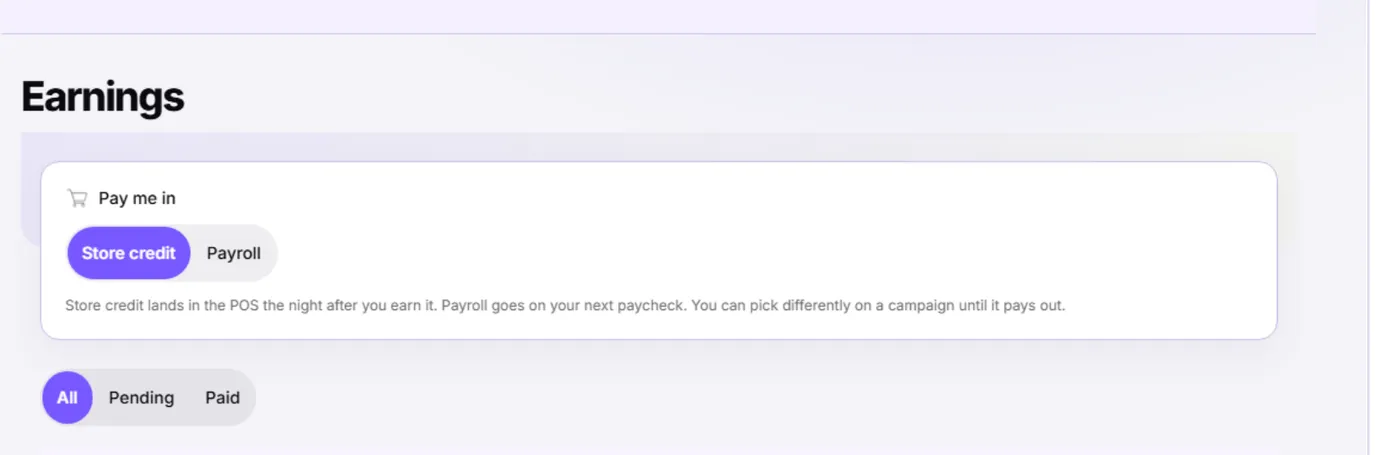
- Under Pay me in, select Store credit or Payroll.
- Your choice saves right away — there's no separate save button.
Picking per contest
You can also override your default for a single contest, from that contest's detail page, as long as none of your earnings on it has posted or batched yet.
Important: Once any of your earnings on a contest has posted as store credit or been batched into payroll, that contest's payout method is locked — for every earning on it, including ones recorded afterward. Change your mind before that point if you want a different method.
Timing either way
Nothing pays while a contest is running. Both are paid on the first payroll after the contest ends (after each cycle, if it repeats):
- Store credit lands in the POS the night that payroll is built.
- Payroll goes on your regular paycheck for that pay period (see payroll is your default payout).
Once you've picked store credit, see how store credit posts for exactly when it shows up, and spending your store credit for how to use it.