
Employees
Your avatar
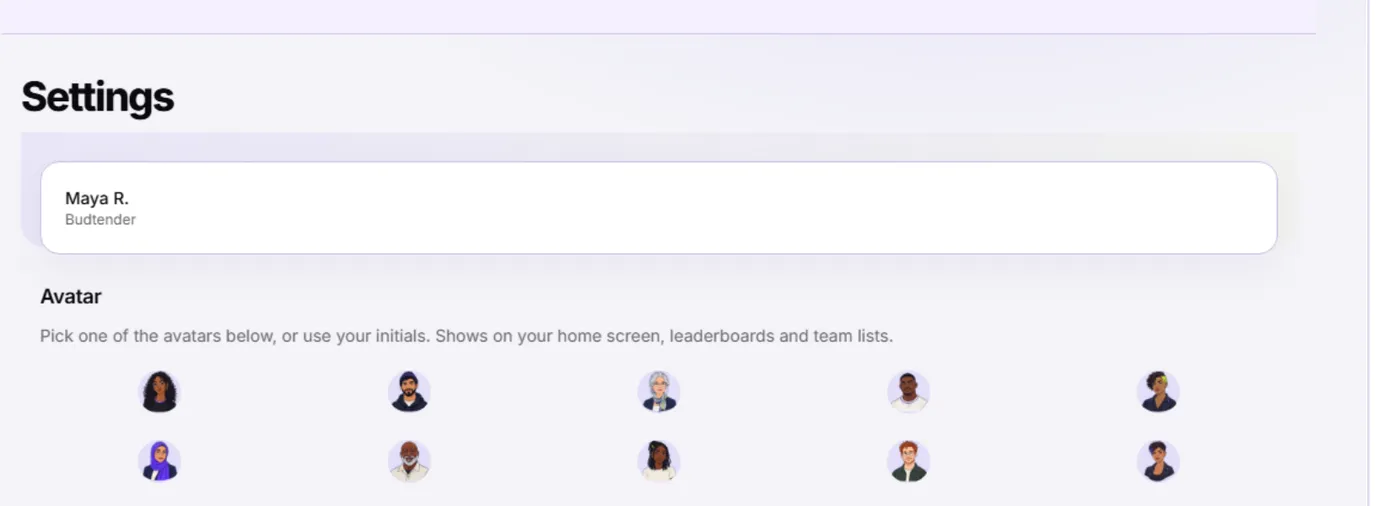
Pick an avatar in Settings — it shows on Home, leaderboards, and team lists.
Last updated 2026-09-25
Kief lets you pick a small picture to represent you around the app.
Picking one
- Open Settings.
- Under Avatar, select any of the pictures shown, or leave it unset to show your initials instead.
- Your choice saves right away.
Where it shows
Your avatar (or your initials, if you haven't picked one) appears next to your name in a few places:
- Next to the Home title on your own dashboard.
- Beside your row on a leaderboard, alongside your first name and last initial.
- On team lists that show who's at your store.
Note: Only you can set your own avatar — a coworker or manager can't pick one for you.
Changing it later
You can change your avatar as often as you like from Settings. There's no limit on how many times you switch.
See your privacy in Kief for what else a leaderboard or team list shows about you, and your home dashboard for everything else on your Home screen.